
Industry & R&D
OpenUSD Importer for Unity
An interchange format that is taking hold
USD — Universal Scene Description — was born at Pixar, to let several studios assemble film shots together. Since the founding of the Alliance for OpenUSD, whose members include Pixar, Apple, Adobe, Autodesk and NVIDIA, it has been leaving animation behind to become industry's interchange pivot: CAD packages, DCC tools and real-time engines can finally speak the same language. For anyone building 3D experiences out of industrial data, this is the format to bet on.
Unity can import USD. The geometry arrives, so does the object hierarchy, and materials to a large extent. And that is where the subject begins, because an industrial USD scene is not just its shapes.
What the importer leaves behind
An assembly exported from a design pipeline carries more than vertices. It carries attributes: part references, revision indices, materials, tolerances, membership of a sub-assembly, kinematics, the provenance of the file. That layer is what makes the data valuable in an industrial context — it is what lets you say which part you are looking at, in which version.
The import stops at the shape. You get an accurate model, a clean one, and a mute one. Whatever business data there was has gone missing along the way, and it has to be typed back in by hand inside the engine — work that starts over with every new delivery from the design office, and a traceability you can no longer guarantee.
The layer we built
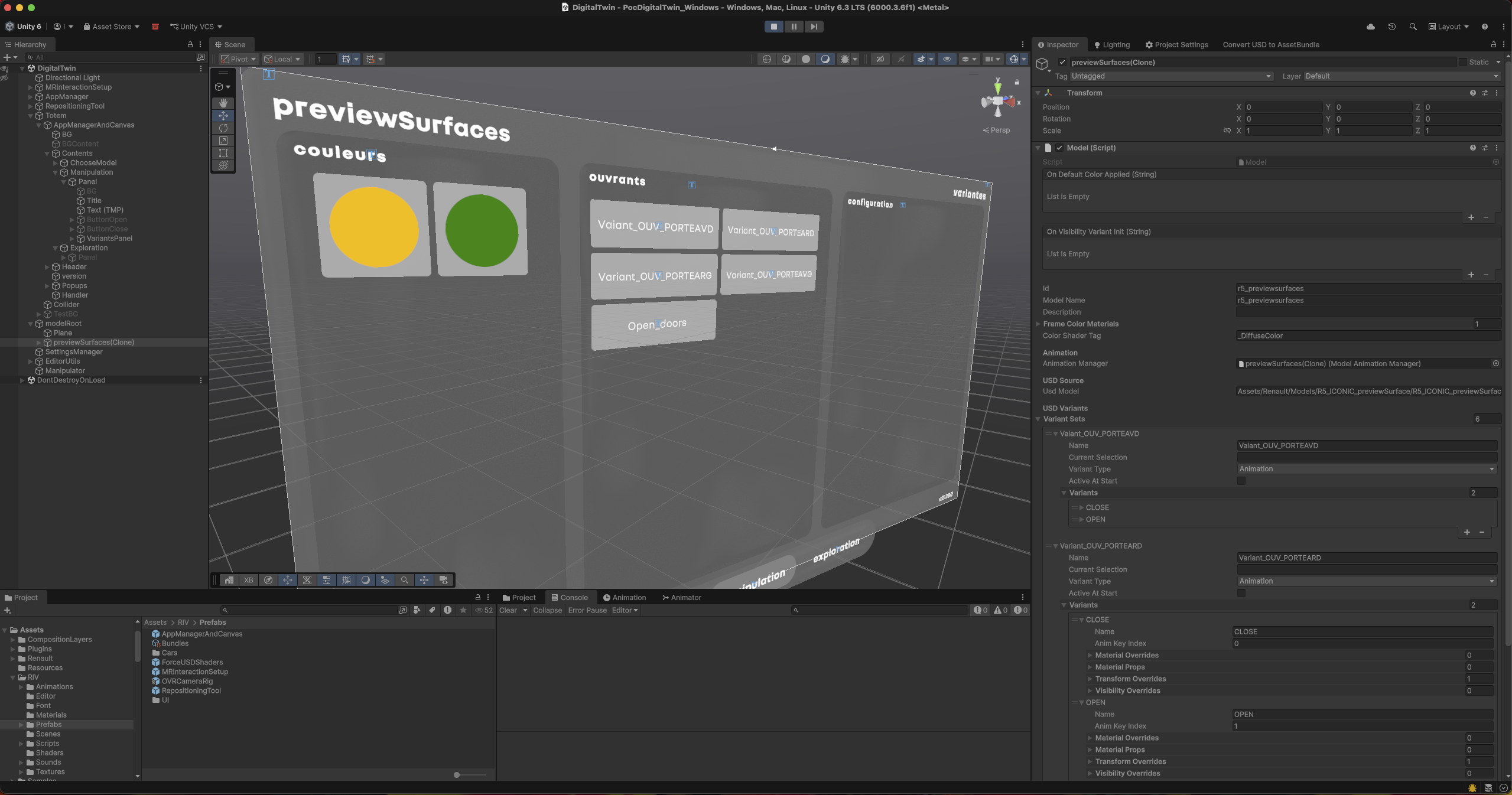
We built a layer on top of the OpenUSD importer. It reads the scene again to extract what an ordinary import ignores, and hands it back inside Unity in a form the engine can work with: data attached to the objects, queryable at runtime, rather than a side document sitting next to the model.
- Technical data — the attributes carried by each primitive follow the part all the way into the Unity scene.
- Versions — the revision index travels with the object: you know what you are displaying, and you can put two states of the same assembly side by side.
- Animation — motion described upstream is replayed in the engine instead of being re-animated by hand.
- A link back to the source — the scene stays attached to the file it came from, which makes re-importing possible without starting over.
The gain is not a visual one, it is here: a 3D model in which you can click a part and get its reference, its version and its characteristics is an entirely different tool from a nice piece of geometry. It is the difference between a picture and a database you happen to be looking at in three dimensions.
Contact
Let’s talk about your project
Tell us about your need in a few lines. We come back within 48 hours with an initial view, free of charge.